

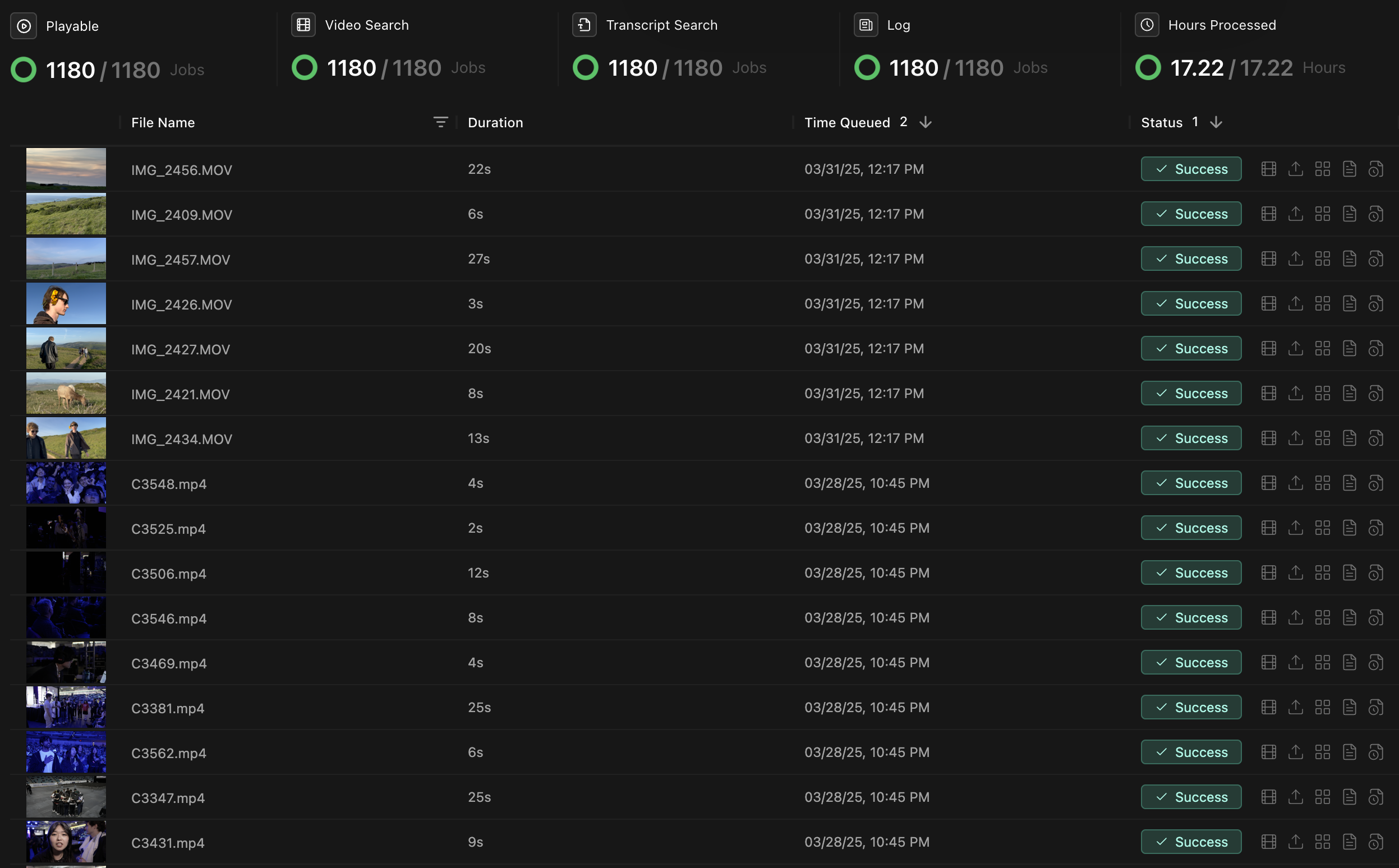
Job types
Jobs run in parallel when possible. Each one adds a different kind of metadata to your footage.| Job | What it does | Output |
|---|---|---|
| Transcribing | Converts spoken dialogue into searchable text with speaker identification | Time-coded transcript with speaker labels |
| Scanning visuals | Identifies objects, scenes, and visual elements | Time-coded visual index |
| Detecting faces | Finds and tracks the people in your footage | People you can filter and search by |
| Generating chapters | Writes clip-level summaries for logging | Descriptions and chapters per clip |
Troubleshooting
Common issues
| Issue | Possible cause | Solution |
|---|---|---|
| Jobs stuck at “Processing” | Unsupported file or interrupted upload | Check supported formats, then re-upload the file |
| Failed transcription | Poor audio quality or no speech in the file | Check that the file has an audio track with dialogue |
| Missing visual analysis | Very dark or blurry footage | The visual index is best-effort on degraded footage |
More troubleshooting
For persistent issues:- Restart Kino to refresh connections.
- Update to the latest version.
- Check that you have enough disk space for temporary files.
- Contact support@kino.ai or join our Discord.