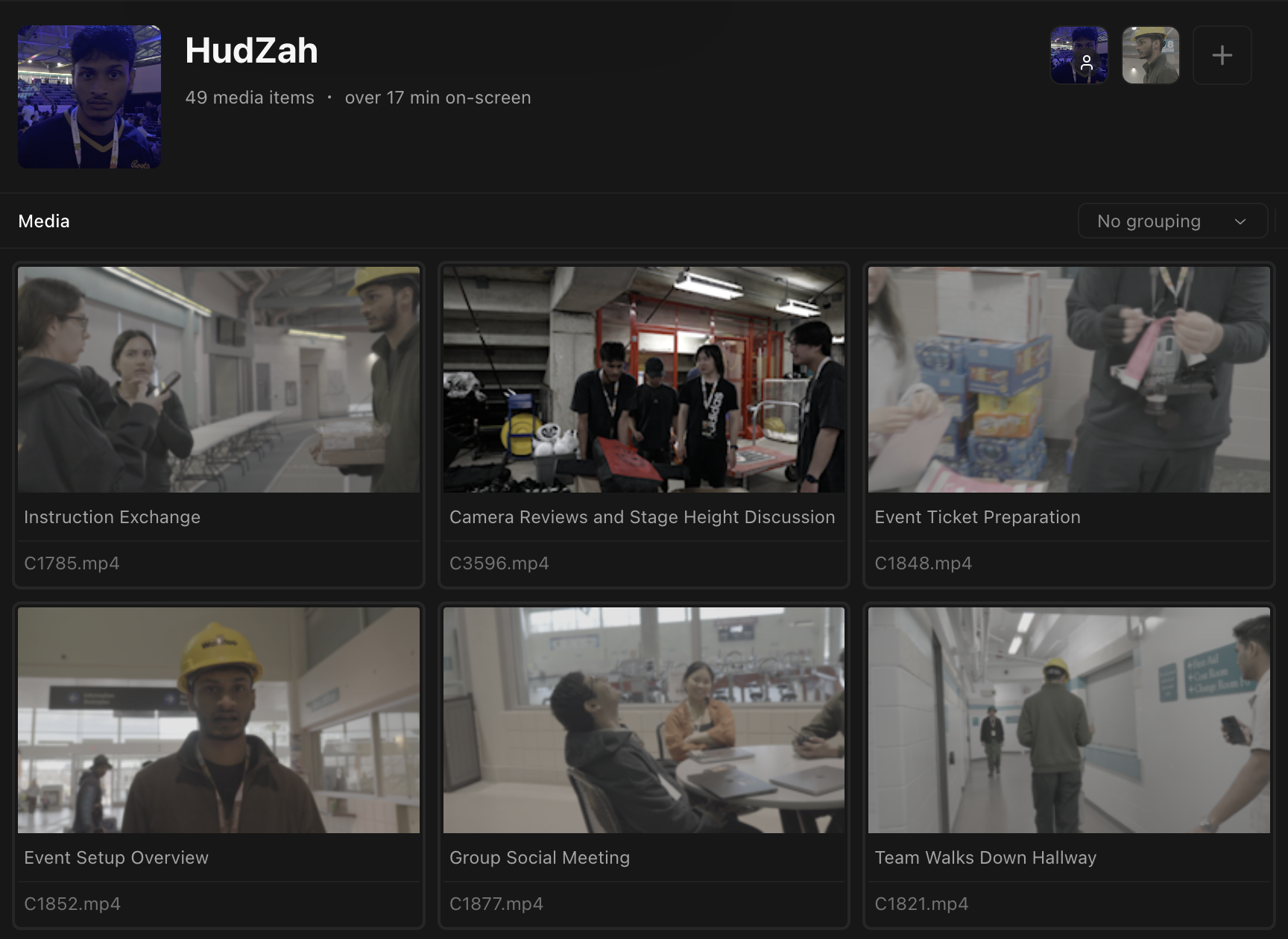
Kino detects people in your footage. Use people filters to find shots containing @Ted, or moments where @Amy is speaking.
You can search, filter, and browse your Kino library by person.
Teach Kino about a new person
Navigate to People page
Go to the People page and click Create Person.
Add a photo
Add a clear, high-quality picture from your clipboard with Cmd + V, or select an image from your computer.
Submit and process
Submit the photo. Kino will populate the page with footage containing that person.
Use well-lit photos for better detection.